


Select License
This article explains how to select a license
After your installation request has been approved but before you can start using EasyChair for your conference, you should select your license.
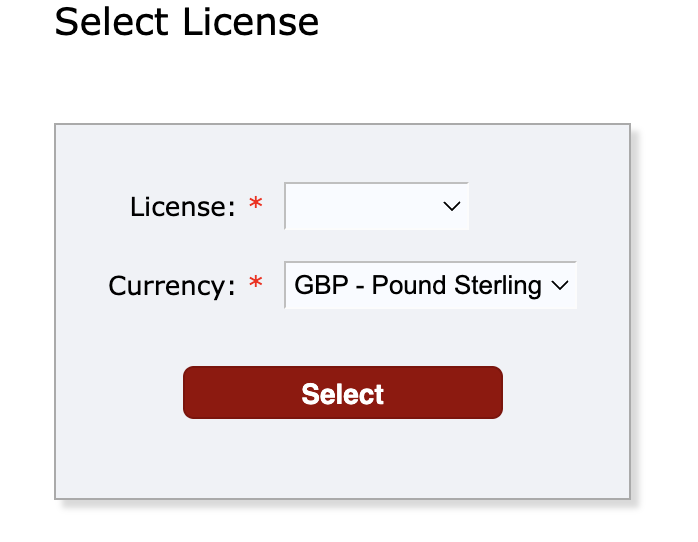
To select a license, navigate to to “My recent roles”→ “License manager” Then choose the desired license and currency using the drop-down menus.
If your organization or the conference organizer have an agreement with us, they should contact us and inform us to assign their license to your conference.
If you are unsure about selection or would like to contact our sales, please use our contact page.